What I Broke While Building My First SIEM (and How I Fixed It)
Overview
This SIEM lab was not an easy build. It only worked after several attempts failed on different fronts including agent installation, network configuration, and AD setup.
The following are the problems I encountered and their solutions.
1. Wazuh Agent Wouldn’t Start
Issue
Windows agents failed to start or exited immediately.
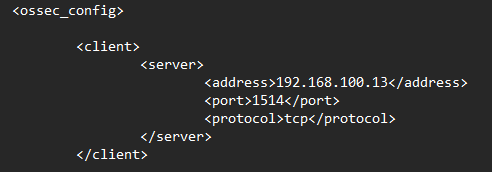
Invalid server address found: '0.0.0.0'
Cause
Incorrect manager IP in agent configuration.
Fix
Set correct Wazuh manager address:
192.168.100.13
2. SIEM Caused System Instability
Issue
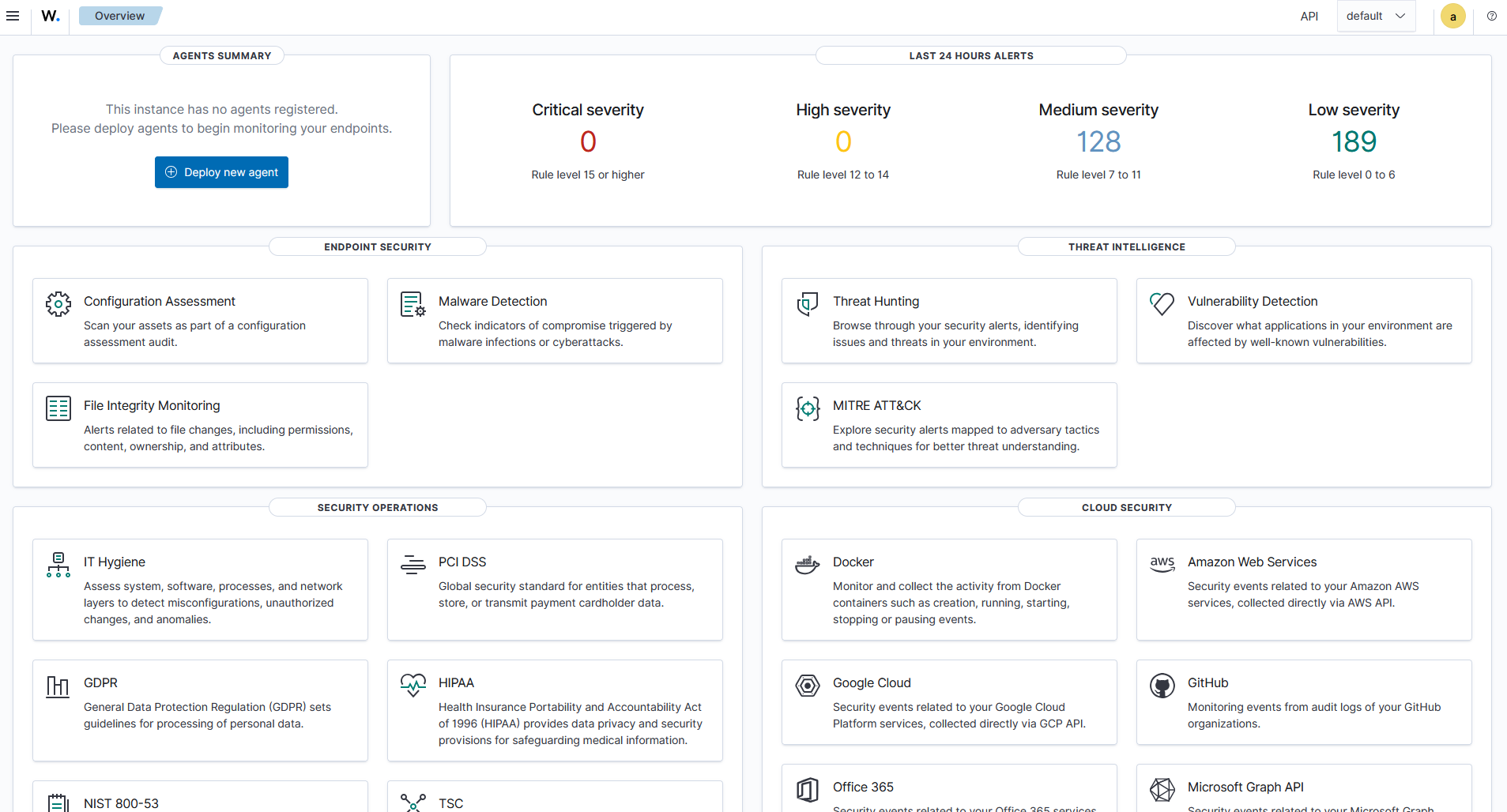
Domain Controller became slow/unresponsive under load.
Cause
Over-aggressive log collection and file integrity monitoring.
Fix
Reduced monitoring scope to critical directories and stabilized event ingestion.
3. Virtual Network Communication Issues
Issue
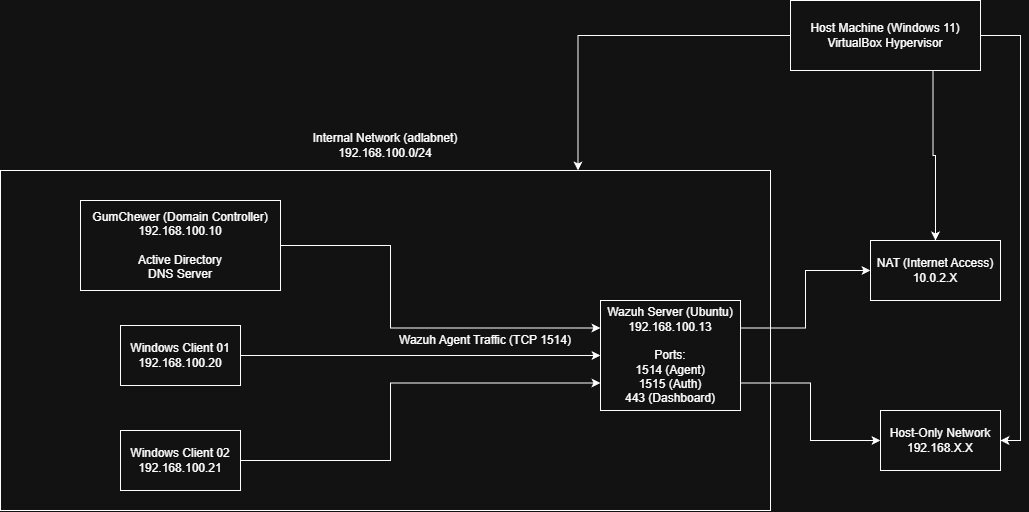
Inconsistent communication between VMs.
Cause
Misconfigured VirtualBox internal network settings and IP mismatches.
Fix
Standardized:
- Internal network name
- Subnet:
192.168.100.0/24 - Static IP assignments
Key Takeaways
- SIEM systems fail silently when misconfigured
- Network consistency matters more than complexity
- More logging ≠ better security without tuning